How to Choose the Right TV Mount: VESA, Weight and Mount Type
A mismatched mount either won’t fit the back of your TV or won’t carry its weight safely. Three checks are enough: the VESA pattern, the weight and how you will use the screen.
A poorly chosen mount either won’t fit the back of your TV at all or won’t carry the screen’s weight safely. Three checks are enough to find the right one: the VESA pattern, the weight and how you will use the screen.
1. The VESA pattern: the spacing of the screw holes
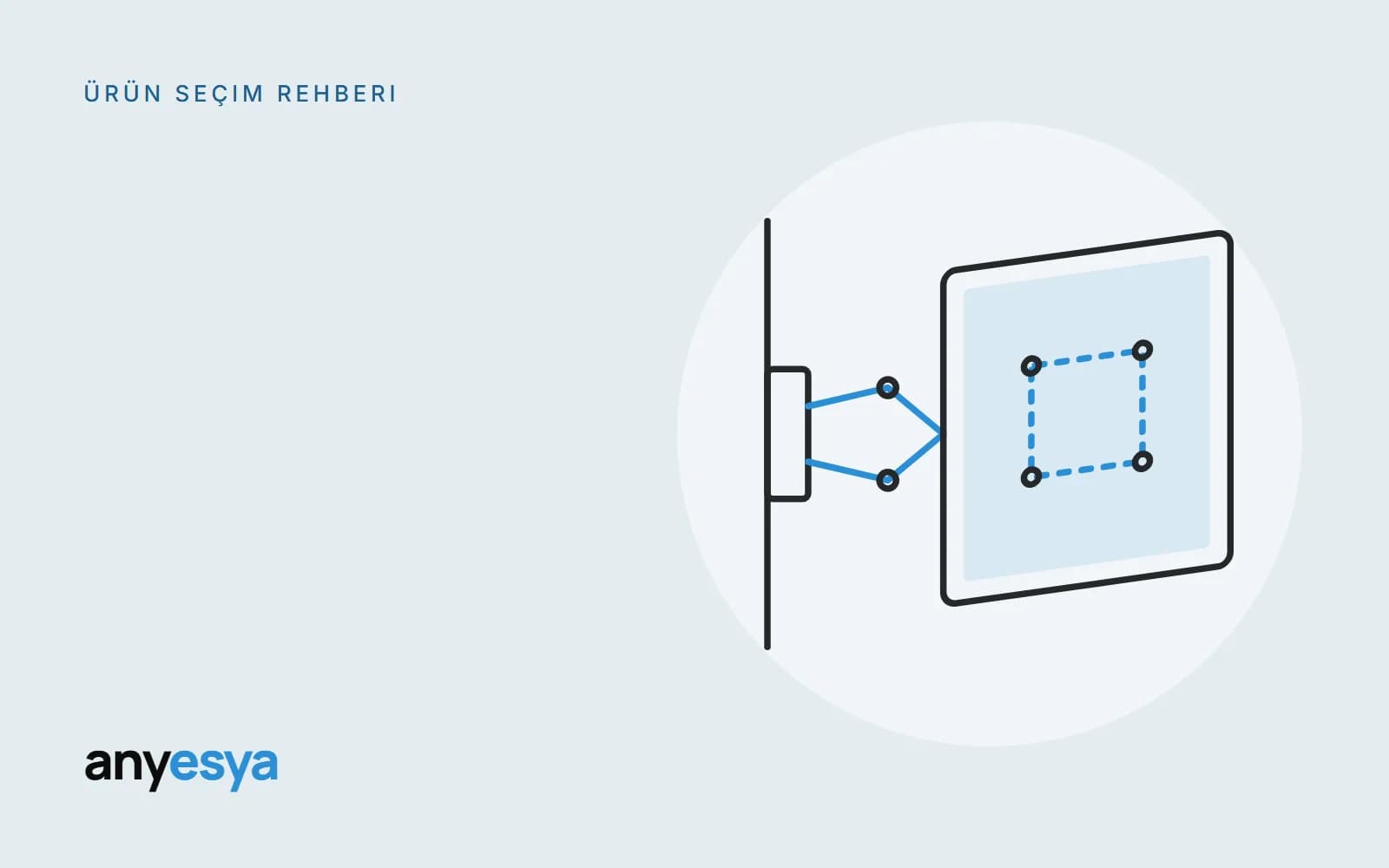
VESA is a standard that describes the horizontal and vertical spacing of the mounting holes on the back of a TV, in millimetres. A TV marked “200×200” has its holes 200 mm apart in both directions. Common patterns:
| VESA pattern | Typically found on |
|---|---|
| 75×75 · 100×100 | Small screens and monitors |
| 200×200 | Mid-size TVs |
| 300×300 · 400×400 | Large screens |
| 600×400 and above | Very large screens |
The table is only a guide; the exact figure is in your TV’s manual or on the manufacturer’s product page. The mount’s supported range must include your TV’s pattern.
2. Weight: always leave headroom
The mount’s load rating should be higher than the weight of the TV — don’t choose one at the limit. Use the weight of the screen alone, without its stand.
Just as important is the load the wall itself can carry. On plasterboard or aerated concrete, choosing the right anchor matters as much as choosing the mount.
3. Mount type: how will you watch?
- Fixed mount: keeps the screen closest to the wall for the slimmest look. Best where you watch straight on and glare isn’t an issue.
- Tilting mount: lets you angle the screen up or down, correcting the viewing angle and glare when the TV sits above eye level.
- Full-motion mount: swings the screen left and right and pulls it away from the wall — useful when a room is watched from several spots.
- Mobile stand: no drilling at all; the screen sits on a wheeled stand. Practical for meeting rooms, classrooms and spaces where you can’t touch the walls.
A practical rule for mounting height
Where you watch seated, keeping the centre of the screen close to your seated eye level avoids neck strain. If the screen has to go higher, choose a tilting mount.
Browse our TV mounts.
Related posts

What Is a Manifold Cabinet and Why Do You Need One?
In underfloor and radiator heating, the manifold that distributes water to each circuit needs to stay accessible and protected. What a manifold cabinet does, and what to check when you measure for one.
Read more
Shoe Storage for Narrow Hallways: 6 Space-Saving Ideas
The entrance hall is the most used and least planned part of a home. Six practical ways to keep it tidy without needing a wide cabinet.
Read more
Caring for Metal Cabinets: 5 Simple Habits for a Longer Life
Metal cabinets are durable, but neglected ones develop scratched paint, loose hinges and, in damp places, rust. A few minutes of routine keeps them looking and working like new.
Read more